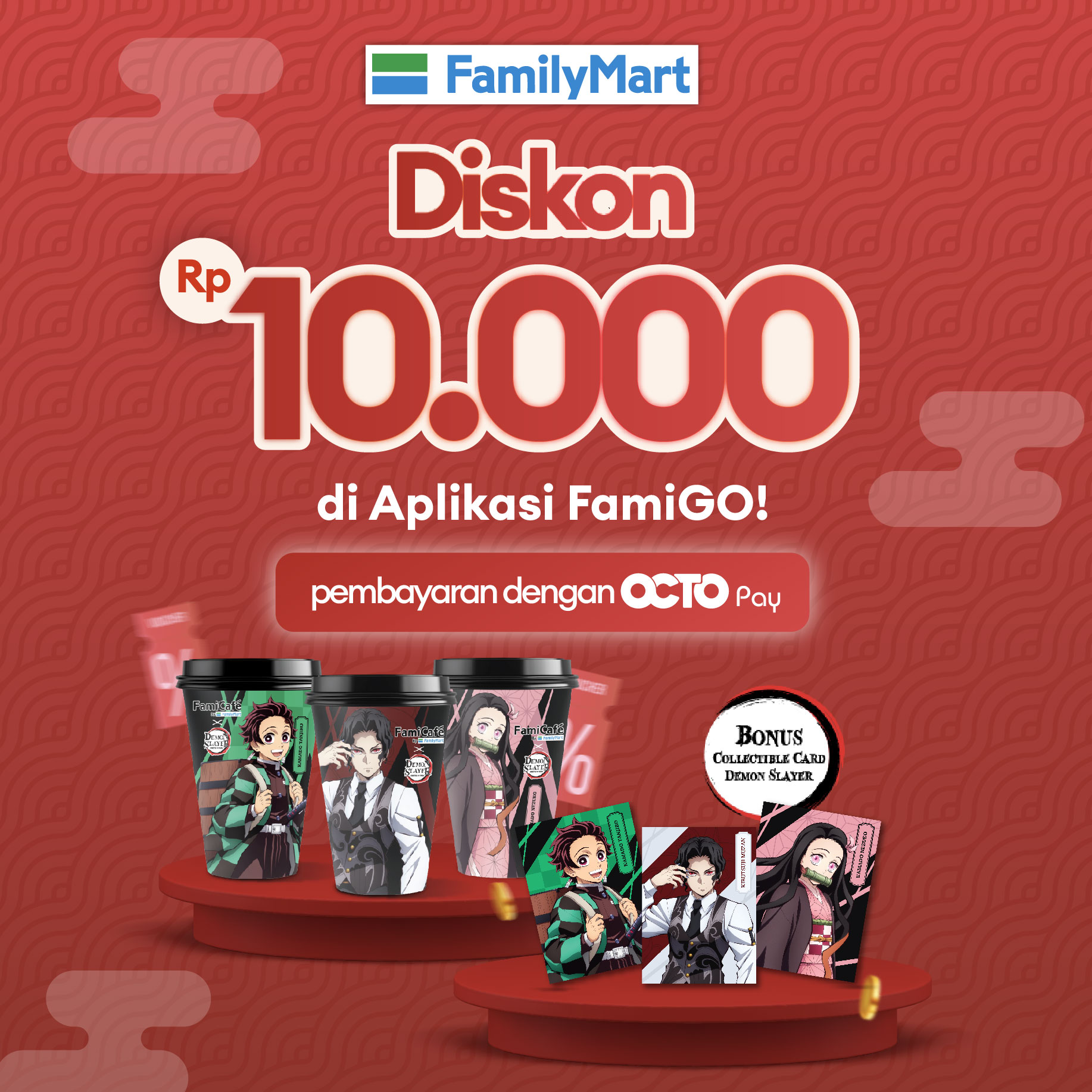
Get a 10,000 Discount on the FamiGO App using OCTO Pay
Periode Program: 5 Nov 2025 - 31 Dec 2025
Syarat dan Ketentuan Program:
- Program Period: November 5th-December 31th, 2025
- Discount Rp 10.000 at FamiGO app with using as payment method OCTO Pay.
- The promo is valid for the purchase of the Demon Slayer bundle package available in the App.
- The promotion cannot be converted into cash, does not apply multiplicatively, and cannot be combined with other promotions.
- The promotion is valid every day and only applies to transactions on the FamiGO app.
- The promotion is valid for the first 300 transactions per day.
- One (1) user ID on the FamiGO platform can only receive the discount once per day.
- To get the promotion, users must log in to their FamiGO account.
- The promotion is non-refundable and cannot be exchanged for cash.
- By participating in this program, the customer agrees to take part in the promotion in accordance with the applicable terms and conditions.
- CIMB Niaga and Merchants can make changes to the terms and conditions of the program at any time, and/or end this program with prior notification.
- CIMB Niaga & Merchant has the right to cancel cashback benefits if there are indications of abuse, fraud, manipulation or non-compliance with the applicable program terms & conditions.
- If there are any issues related to transactions at FamiGO, please contact Famima Care via WhatsApp at 08983862898.
Transaction steps to connect an OCTO Pay account in FamiGo:
- Open the FamiGO app on your device.
- Select the Payment Method menu.
- Choose Connect for the OCTO Pay payment method.
- Enter the 6-digit OTP code sent via SMS
- Enter the 2-digit OCTO PIN as requested.
- OCTO Pay account has been successfully connected and you will return to FamiGO.
- Check the connected OCTO Pay account.
Transaction steps for making payments with OCTO Pay in the FamiGO app:
- Open the FamiGO App on your device.
- Select the product you want to order and choose Order Now.
- Choose the store for order pickup and pick-up time.
- Select the payment method with OCTO Pay.
- Review your order and select Proceed to Payment.
- Enter the 2-digit OCTO PIN requested.
- Transaction successful and return to FamiGO to view your order.
- Pick up your order, tap the QR logo, & show it to the Family Mart cashier.
- Order completed.
Disclaimer:
- CIMB Niaga & Merchants reserve the right to cancel cashback benefits if there is any indication of misuse, fraud, manipulation, or non-compliance with the applicable terms & conditions of the program.
- The availability, quality, type, price, suitability, timing, and delivery process of goods and/or services provided by the Merchant to the Customer are entirely the responsibility of the Merchant.
- Any data and transaction instructions made by the Customer using QRIS OCTO are entirely the responsibility of the Customer.
- All claims for returns or exchanges are the sole responsiblity of the Merchant and must be directly made by the Customer to the Merchant.
- For further information on how to make online purchases using OCTO, Customers can visit the website branchlessbanking.cimbniaga.co.id or contact Phone Banking 14041.